Bestseller icons
Brackets plugins
FA-5 Light
Font awesome Brands
Font awesome solid
HTML, CSS
Line awesome - Brands
Line Awesome Icons SVG
Optimization
- CSS Includes
- Font awesome, line awesome and other icon fonts
- Jquery 3 and 3 Slim
- JS - Inline JS code
- JS Includes
Optimization Checklist
Project Backup Methods
Search Results
SVG Sprite icons
Thin Icons SVG
Wordpress Development Guidelines
Font awesome, line awesome and other icon fonts
Remove all icon related fonts from homepage and rather use SVGs of the icons generated. This can be easily done in inkscape.
Steps to convert font awesome icons to SVGs
- Open inkscape
- Copy icon from font awesome cheatsheet or line awesome cheatsheet depending upon the icon type you are using
- Select font from top left in inkscape, install the font ttf/otf file in the system if the font is not available in dropdown, and reopen inkscape after font installation
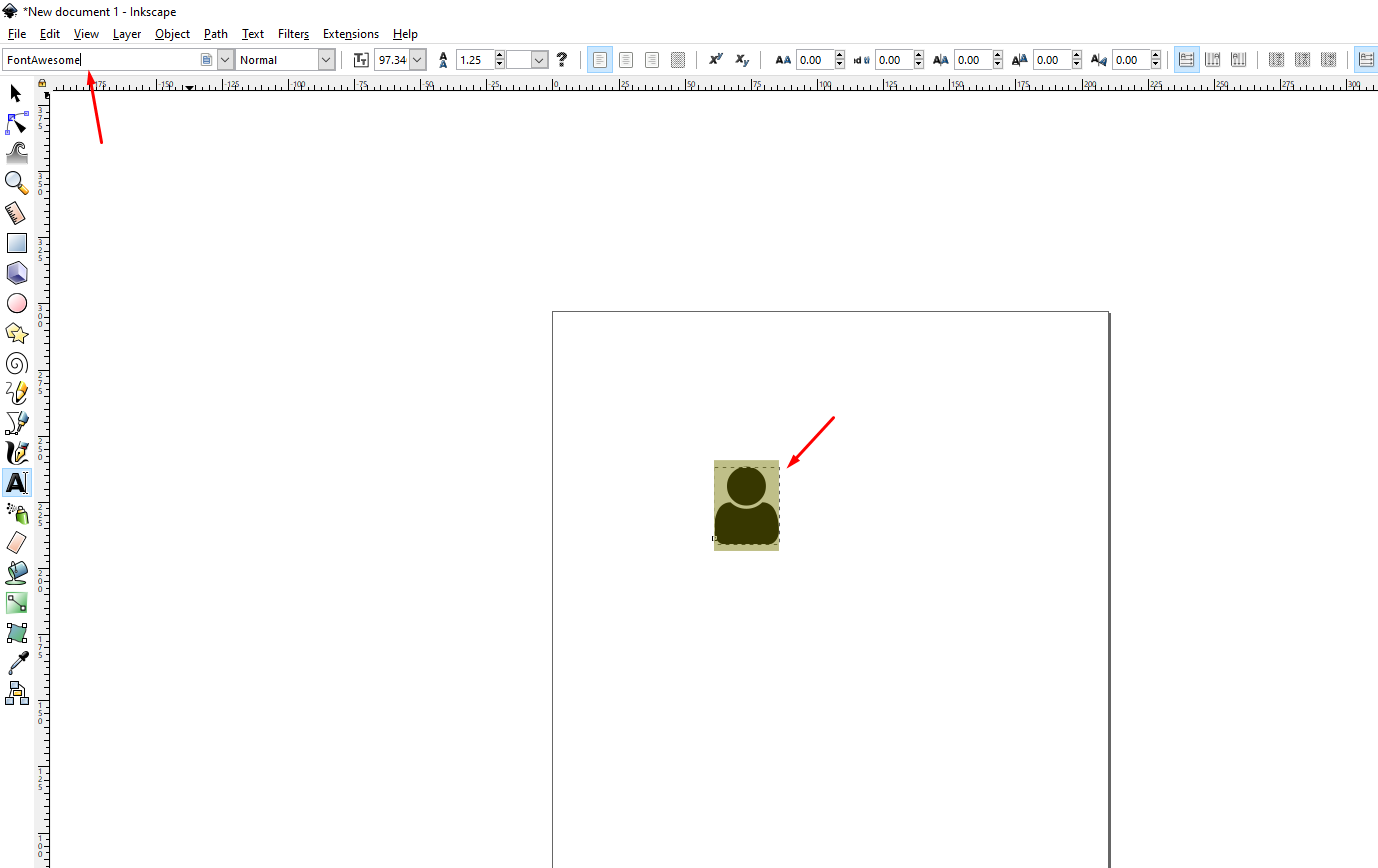
- Select the icon you have created and select “Object to Path” from dropdown.
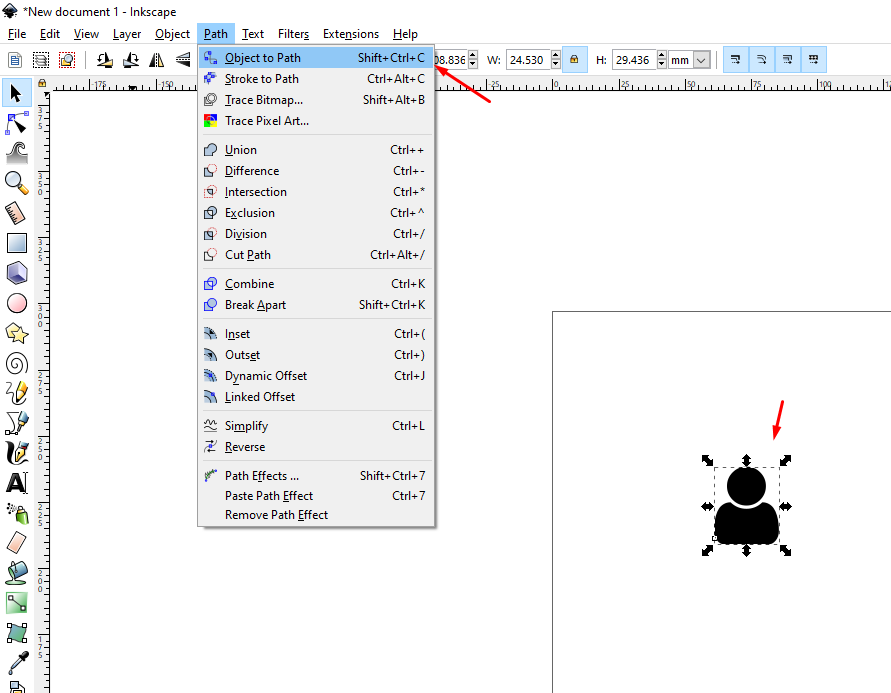
- Press CTRL+SHFT+R to resize the document to icon size
- Save file as SVG and use it.